
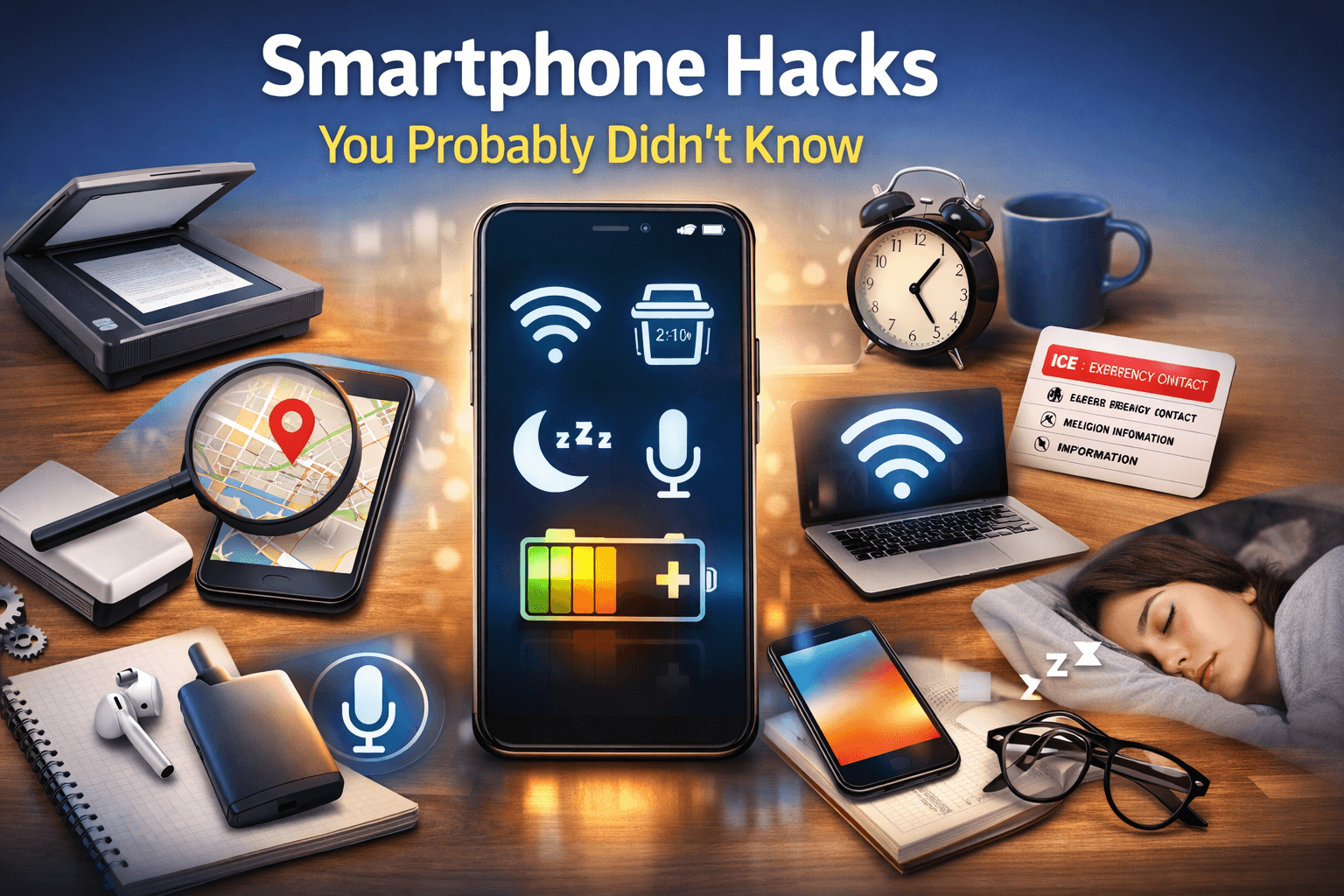
Smartphones have become an essential part of our daily lives. From communication and entertainment to productivity and navigation, we rely on our phones for almost everything. However, most users only scratch the surface of what their smartphones can actually do. Hidden beneath the usual apps and settings are powerful features that can save time, improve security, and make everyday tasks much easier. In this article, we’ll explore some lesser-known smartphone hacks that can completely change the way you use your device.
1. Use Your Phone as a Scanner
Did you know your smartphone can replace a traditional scanner? Both Android and iPhone devices allow you to scan documents using the camera. This is perfect for students, freelancers, and office workers who need to send documents quickly. The scanned files can be saved as PDFs and shared instantly via email or messaging apps.
2. One-Handed Mode for Easier Use
Large smartphone screens are great for watching videos, but using them with one hand can be difficult. Many smartphones offer a hidden one-handed mode that shrinks the screen so everything is easier to reach. This feature is especially useful when you’re traveling or multitasking.
3. Turn Your Phone into a Wi-Fi Hotspot
When there’s no internet available, your smartphone can act as a portable Wi-Fi router. By enabling hotspot mode, you can share your mobile data with laptops, tablets, or other phones. This hack is extremely useful during power outages or while working remotely.
4. Schedule “Do Not Disturb” Automatically
Instead of manually turning on silent mode every night, you can schedule “Do Not Disturb” to activate automatically. This ensures uninterrupted sleep or focused work time while still allowing important calls to come through if needed.
5. Hidden Emergency Features
Most smartphones include emergency features that many people never set up. You can add emergency contacts, medical information, and even enable quick emergency calls. In case of an accident, this information can be accessed without unlocking your phone, potentially saving lives.
6. Use Voice Commands Like a Pro
Voice assistants are not just for asking the weather. You can use them to send messages, set reminders, open apps, and even control smart home devices. Learning a few advanced voice commands can significantly speed up your daily tasks.
7. Reduce Eye Strain with Blue Light Filters
Spending too much time on your phone can cause eye strain and disturb sleep patterns. Most smartphones include a blue light filter or night mode that reduces harsh light. Turning this on in the evening can improve sleep quality and reduce eye fatigue.
8. Customize Shortcuts for Faster Access
You can create shortcuts for your most-used apps, contacts, or settings. This saves time and makes your phone feel more personalized. Some devices even allow gestures, such as double-tapping the back of the phone to perform actions.
9. Save Battery with Background App Control
Many apps continue running in the background, draining battery life. By restricting background activity for unused apps, you can significantly extend your phone’s battery performance throughout the day.
10. Find Your Phone Even on Silent Mode
Losing your phone can be stressful, especially when it’s on silent. Thankfully, both Android and iPhone offer built-in tools that allow you to locate your phone, ring it at full volume, or even lock it remotely.
Final Thoughts
Your smartphone is far more powerful than you might think. By exploring these hidden hacks, you can unlock features that improve productivity, security, and convenience. Instead of installing more apps, try mastering the tools already built into your device—you’ll be surprised how much more efficient your smartphone can become.