In today’s business world, customer information is one of the most valuable assets. Every interaction, purchase, complaint, or feedback adds to your understanding of your customers. If all this information is scattered across Excel sheets, emails, or paper files, it can slow down your business and even cause lost opportunities.
Customer database software helps businesses collect, store, manage, and use customer data efficiently, allowing owners, managers, and teams to make smarter decisions, provide better service, and increase revenue. Whether you’re a small business just starting or a large enterprise handling thousands of customers, a proper system is essential.
In this guide, you will learn:
What customer database software is and why it matters
Types of customer database systems and their uses
Free, third-party, and custom solutions comparison
CRM integration and the differences with standard database software
How to build a custom solution that grows with your business
Security, backup, and compliance considerations
Industry-specific use cases
Costs, benefits, and tips for choosing the right system
FAQs and common mistakes to avoid
By the end of this guide, you will understand how a customer database system can transform your business, and how partnering with an experienced software provider like AppsGlobal can give you a competitive edge.
What Is Customer Database Software?
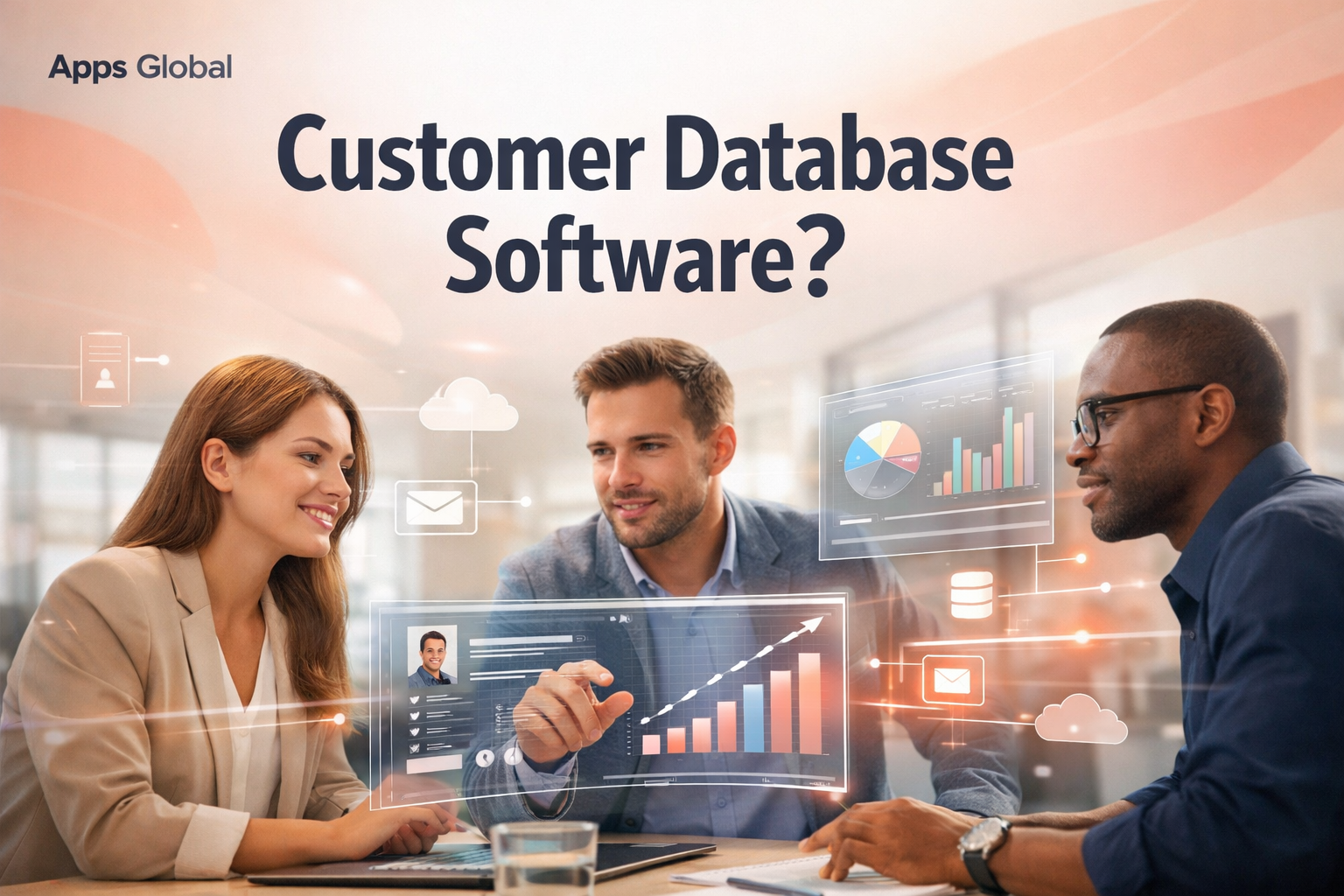
Customer database software is a digital system that stores all information about your customers in one organized place. This includes contact details, purchase history, invoices, service records, feedback, and notes about interactions.
Without such a system, businesses often rely on spreadsheets, paper files, or fragmented tools. This creates problems such as:
Lost customer information
Duplicate or outdated records
Slow customer service
Missed sales opportunities
Key Functions of Customer Database Software
1. Data Storage
Customer database software stores all your customer information in one secure digital place. This includes names, contact details, purchase history, service requests, invoices, and any other relevant data. By centralizing information, businesses no longer have to rely on multiple spreadsheets, emails, or paper files, reducing the risk of lost or duplicated data.
Additionally, many modern systems include cloud storage, ensuring that your data is safe, backed up, and accessible from anywhere. This means whether you are in the office, at home, or on the go, you can always access the information you need without delays.
2. Organization
Organizing customer data is just as important as storing it. A good customer database software sorts information by categories, industries, or locations, allowing businesses to easily filter and search for specific records.
For example, a company can quickly find all clients from a particular city, industry, or those who purchased a specific product. Organized data not only saves time but also helps in making informed marketing, sales, and service decisions.
3. Tracking
One of the most powerful features of customer database software is tracking customer interactions, purchases, and service requests. Businesses can monitor every step of the customer journey, from the first contact to post-purchase support.
This tracking ensures that no customer request goes unnoticed and that sales and support teams have complete visibility of the customer’s history. For instance, if a client has an ongoing support ticket or a pending invoice, the team can act proactively to resolve it, enhancing customer satisfaction.
4. Analysis
Customer database software is not just about storing data; it also helps businesses analyze it. By identifying trends, repeat customers, and revenue patterns, companies can make smarter decisions.
For example, analysis can reveal which products are most popular, which customers are most loyal, and where marketing efforts are paying off. This actionable insight allows businesses to improve strategies, increase sales, and strengthen customer relationships.
5. Automation
Modern customer database software often includes automation features. This can mean sending reminders for appointments, follow-up emails, promotional offers, or notifications for pending actions.
Automation saves time and reduces manual errors, ensuring that customers receive timely communication. For example, a service business can automatically remind clients about upcoming maintenance appointments, while a retail store can send personalized discount offers to repeat buyers.
Example:
Imagine a retail shop using customer database software. Within minutes, staff can locate a customer’s past purchases, check any past complaints, and even send personalized offers or promotions. This not only enhances the customer experience but also increases the chances of repeat business.
Businesses of all sizes, from small shops to large enterprises can take benefit from customer database software. However, the approach varies based on complexity and goals. Small businesses may start with a basic system focusing on contacts and invoices, while larger companies often need advanced solutions with analytics, CRM integration, and automated workflows.
Customer Database Software vs CRM Software
Many people confuse customer database software with CRM (Customer Relationship Management) software. While related, they serve different purposes.
Customer Database Software | CRM Software |
Stores and organizes customer information | Manages interactions, sales, and marketing campaigns |
Basic reporting | Advanced analytics and dashboards |
Useful for small or growing businesses | Scales for mid-level to enterprise-level companies |
Can exist as a standalone system | Usually integrated with multiple tools |
CRM systems always include a customer database but add:
Lead tracking
Sales pipelines
Customer journey analysis
Marketing automation
Businesses aiming for long-term growth often transition to CRM systems. Partnering with AppsGlobal ensures that your custom CRM solution is tailored for your business workflows and future growth.
Types of Customer Database Software
Customer database systems vary depending on business needs and industry requirements.
1. Basic Customer Database Software
Designed for small businesses
Simple contact management and records
Limited automation and reporting
Example: A small retail shop managing 100 customers can use basic software to store names, addresses, and purchase history.
2. Web-Based Customer Database Software
Cloud-based, accessible anywhere
Supports remote teams
Allows real-time updates
Example: A real estate agency with agents working in different locations can access client information from any device using a web-based system.
3. Customer Database and Invoice Software
Combines data management with billing
Tracks invoices, payments, and customer transactions
Example: Auto repair shops can track each car serviced and automatically generate invoices.
4. Customer Database and Scheduling Software
Manages appointments, bookings, and follow-ups
Ideal for service-based businesses
Example: HVAC or appliance repair companies can schedule technicians and track service history for each client.
5. All-in-One Customer Database Software
Combines CRM, invoicing, scheduling, analytics, and automation
Suited for growing or enterprise-level businesses
Example: A large retail chain can manage multiple store locations, track customer loyalty programs, and automate marketing campaigns.
Free vs Paid Customer Database Software
Free Options
Many businesses start with freeware or open-source solutions.
Pros:
No upfront cost
Quick to implement
Good for testing small operations
Cons:
Limited features and capacity
Weak security
No professional support
Hard to scale
Paid Options
Paid tools offer:
Advanced features and automation
Secure storage and backup
Customer support
Integration with other tools
Example: A mid-level HVAC business using a paid cloud solution can automate follow-ups, track service calls, and generate reports for management.
Custom vs Third-Party Customer Database Software
Choosing between off-the-shelf (third-party) solutions and custom-built software is critical.
Third-Party Software
Fast setup
Cloud or SaaS-based
Limited customization
Subscription costs
Custom Customer Database Software
Tailored to your business
Full ownership and control
Scales as business grows
Integrates with your workflows
Strong data security
Example: A custom solution can integrate invoicing, CRM, inventory, and scheduling, all in one system.
Internal Link: For businesses wanting a reliable custom CRM solution, check our Custom Software Services.
Industry-Specific Use Cases
Customer database software is useful in various industries:
HVAC: Schedule service calls, track client history, generate invoices
Automotive / Auto Repair: Track vehicles, parts used, service reminders
Real Estate: Manage leads, appointments, and client documents
Retail & Restaurants: Track purchases, loyalty programs, and promotions
Appliance Repair & Carpet Cleaning: Manage jobs, track complaints, maintain customer records
Each industry benefits differently, making customization key for optimal results.
Common Pitfalls in Implementing Customer Database Software
Mistakes to Avoid
Poor initial database setup
Not cleaning old data
Choosing software without analyzing business needs
Ignoring staff training
Weak security and access management
Avoiding these pitfalls ensures smooth operations and prevents data loss or inefficiency.
Moving From Excel to Customer Database Software
Excel is not a CRM.
While useful for simple lists, Excel:
Cannot automate follow-ups
Is prone to data errors
Lacks security features
Fails to scale
Migrating from Excel requires careful planning, data cleaning, and proper software selection.
How to Build Custom Customer Database Software
Step-by-Step Process
Requirement analysis
Database design
UI/UX design
Development & testing
Security & backup setup
Deployment & training
Ongoing support
Skills Required: Database architecture, backend development, front-end design, security, CRM logic.
Internal Link: Businesses that need a tailored system can explore AppsGlobal Custom CRM Services.
Cost, Security & Backup
Custom solutions may have higher initial costs but provide:
Long-term cost savings
Enhanced security
Data backup and disaster recovery
Ownership of data
Internal Link: For clear cost estimates, see our Pricing Page.
Integration With Other Systems
A modern database must integrate with:
Accounting software
Email marketing tools
Scheduling & invoicing systems
Inventory management
Internal Link: Partnering with a reliable company like AppsGlobal ensures seamless integration.
Security, Privacy & Compliance
Security is essential:
Encryption of data
Role-based access control
Backup & recovery
Compliance with GDPR and local laws
How Customer Database Software Supports Growth
Improves customer experience
Increases repeat sales
Tracks customer journeys
Automates marketing
Supports data-driven decisions
FAQs
Q1: What is customer database software?
A: Customer database software stores all customer data digitally, including contacts, purchase history, invoices, and communications.
Q2: Which CRM software is best?
A: It depends on your business size, industry, and required features. Custom CRM solutions offer the most flexibility.
Q3: Is Excel a CRM software?
A: No. Excel cannot automate, scale, or provide advanced customer management features.
Q4: What are the 4 types of CRM?
A: Operational, Analytical, Collaborative, Strategic.
Q5: How secure is customer database software?
A: Security depends on the software. Features like encryption, role-based access, and backups improve safety.
Conversion-Focused CTA
If your business needs a secure, scalable, and custom-built customer database or CRM system, partnering with AppsGlobal Custom Software Services ensures your software is built efficiently and tailored to your goals.
Check our Pricing Page or learn more about our Custom Software Services.